Revisit a photo. Keep the memory.
Explore AI restoration and color for the photos you want to keep.
Download on the App StoreIn-app purchases available.
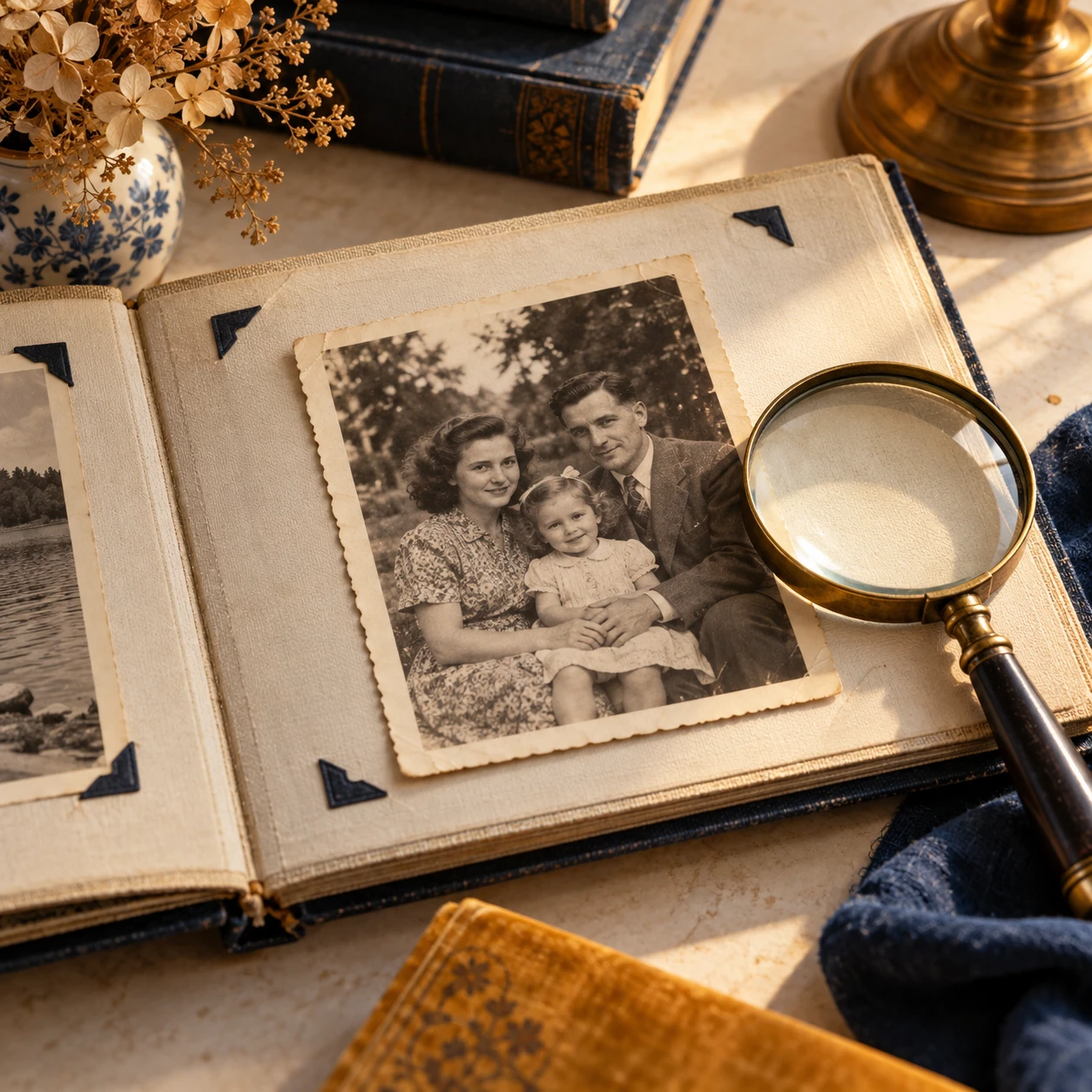
A new look at an old photograph.
Choose a photo, explore a mode and compare the details.
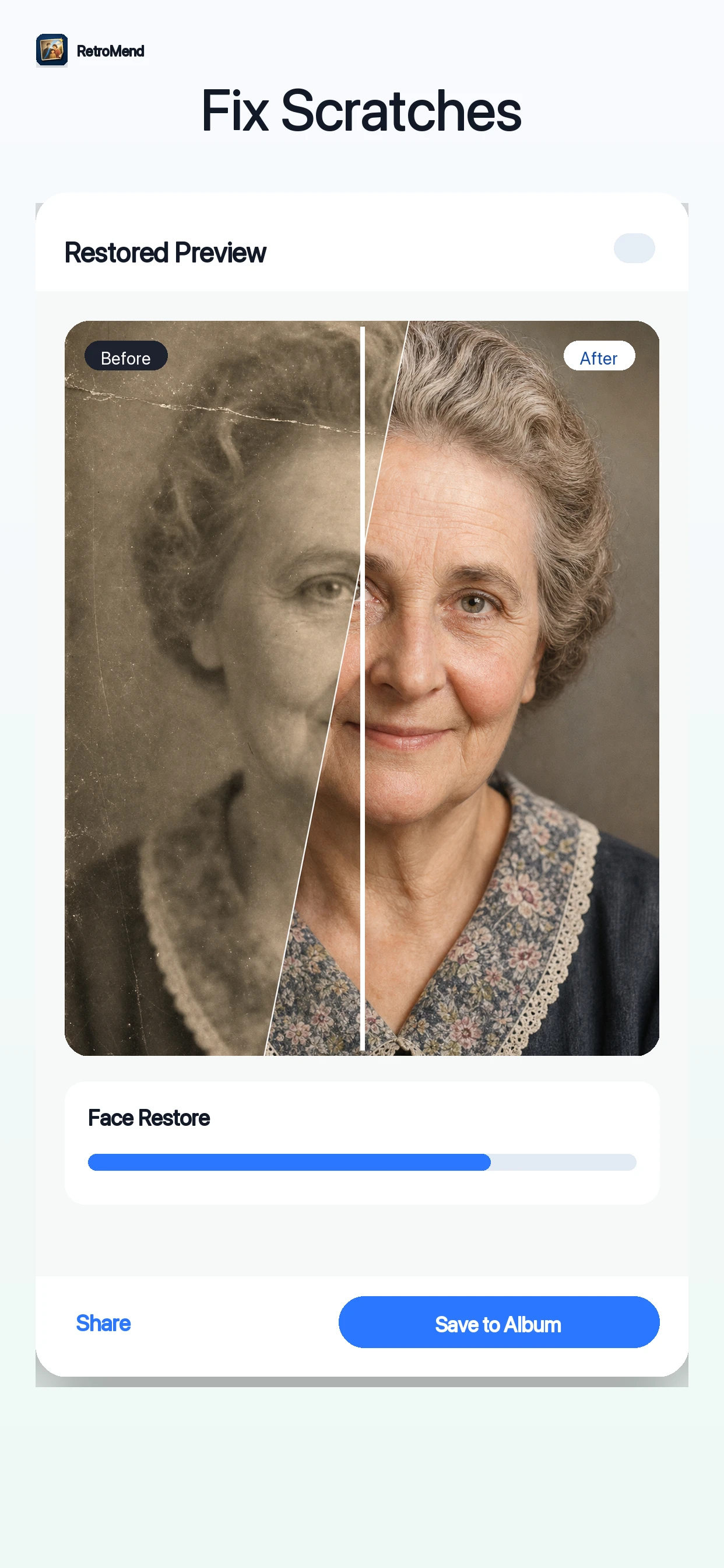
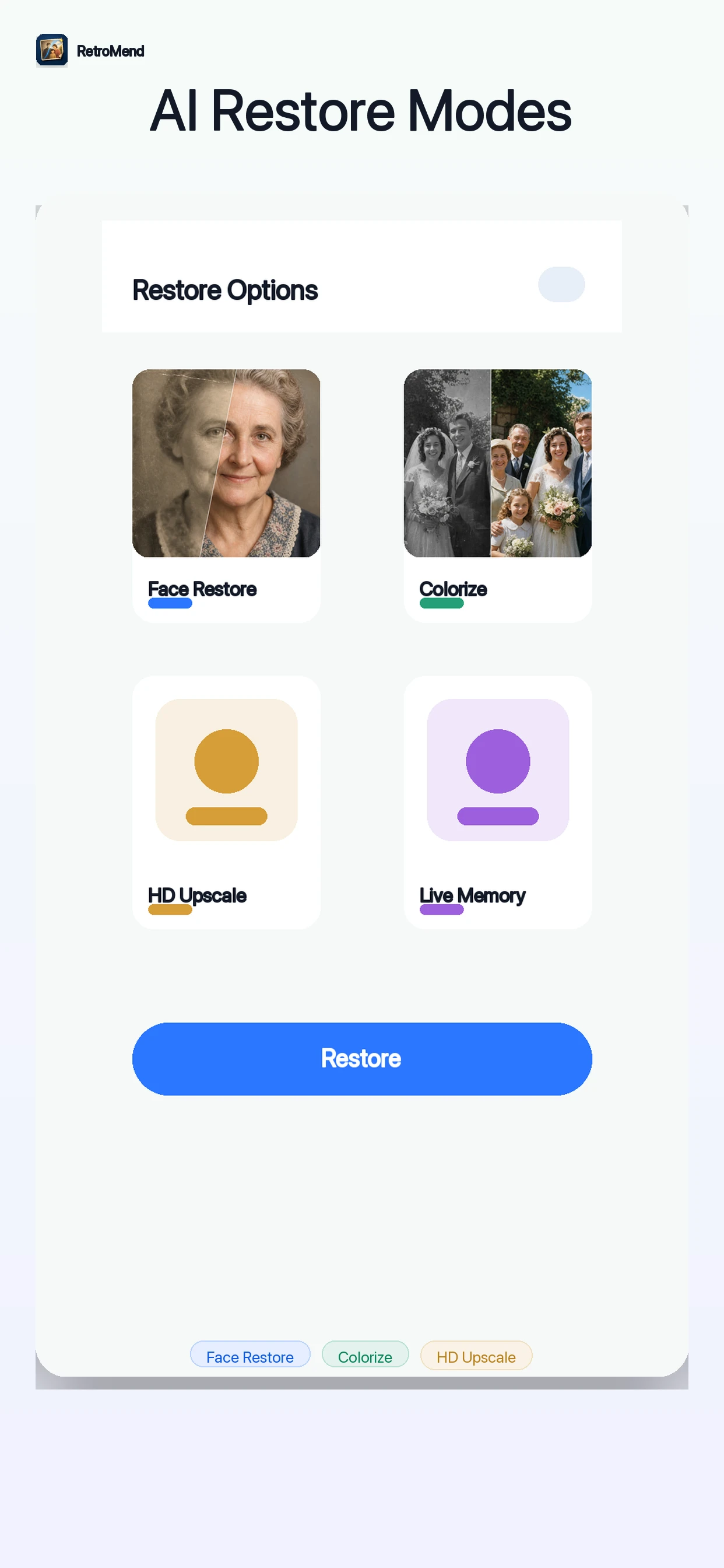
Let the original guide you.
Choose a photo
Start with a clear scan or photo you may edit.
Explore a mode
Review the restoration and color options in the app.
Compare the details
Keep the original and review faces, texture and color.
Current App Store artwork. AI results vary.
Keep the original close.
AI may invent or change details. Compare the result with the original before saving or sharing.
Explore the photo guidesA thoughtful start for old photos.
Before your next memory.
Need help? Visit Support.
Does AI recover the original details?
AI can infer or change faces, texture and color. A result is an interpretation, not a historical record.
Does RetroMend include purchases?
Some features require an in-app purchase. Availability and regional prices depend on the current offer. Review the details in the app before purchasing.
Can I restore photos on this website?
Restore and review photos in the RetroMend app. This website provides product information, guides and support.